

License & Enable Auto-Update
Permalink License & Auto-Update
Our plugin has an auto-update feature. As soon as an update is available, you will be notified in the WordPress admin area and can install it from there.
Permalink Enable License & Auto-Update
In order to use the automatic updates, you have to enter your license key once under “License” and click on Activate license key. Only then will all the functions of the plugin be available to you.
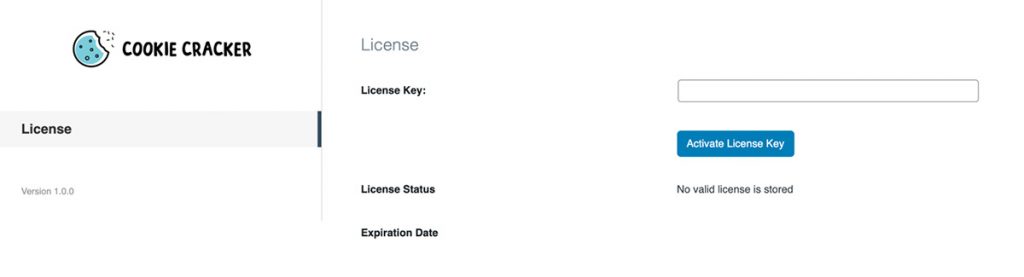
You can find the license key in your MarketPress account at Dashboard.